QUICKSURFACE: from 3D scan to usable CAD model
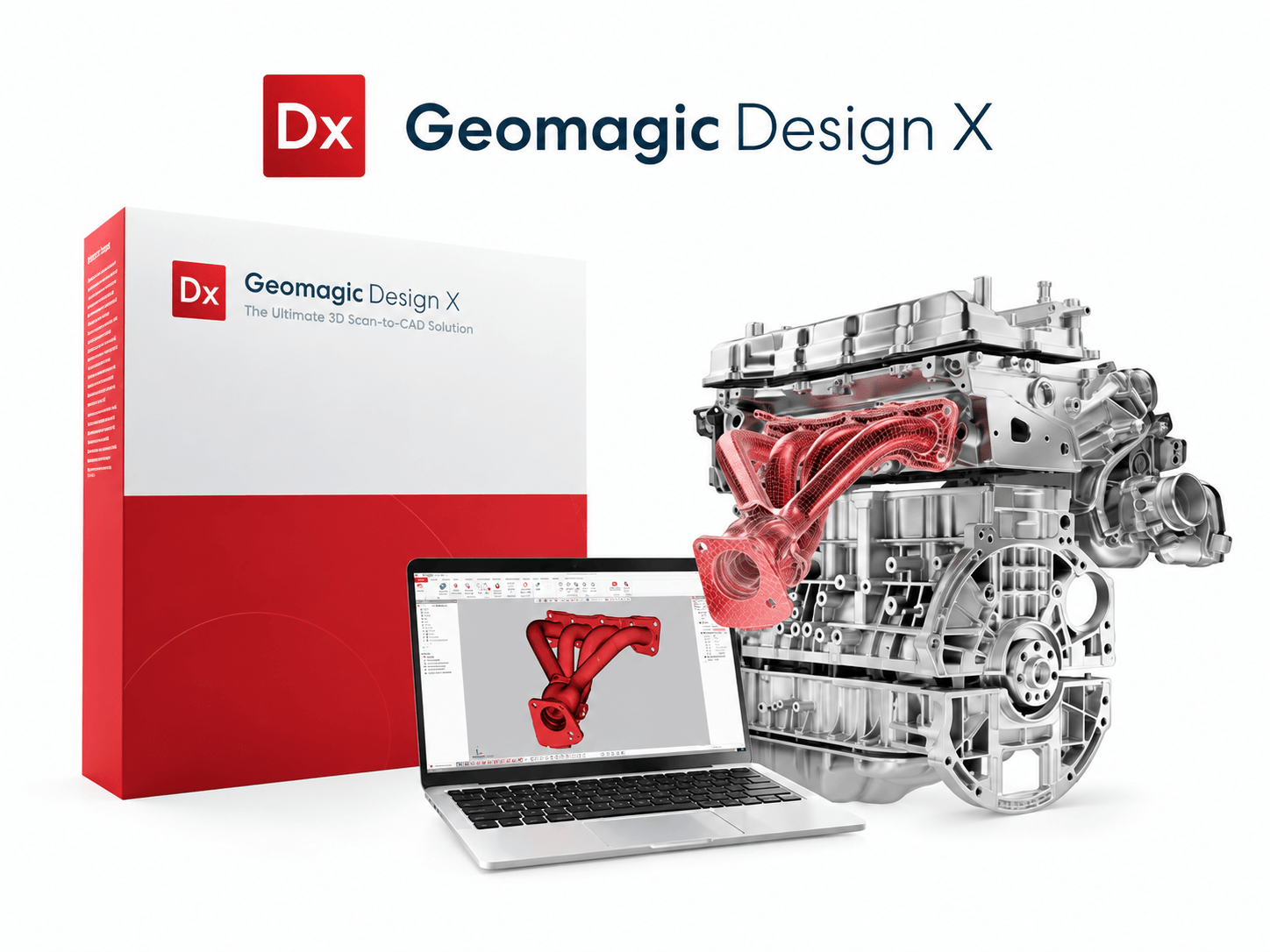
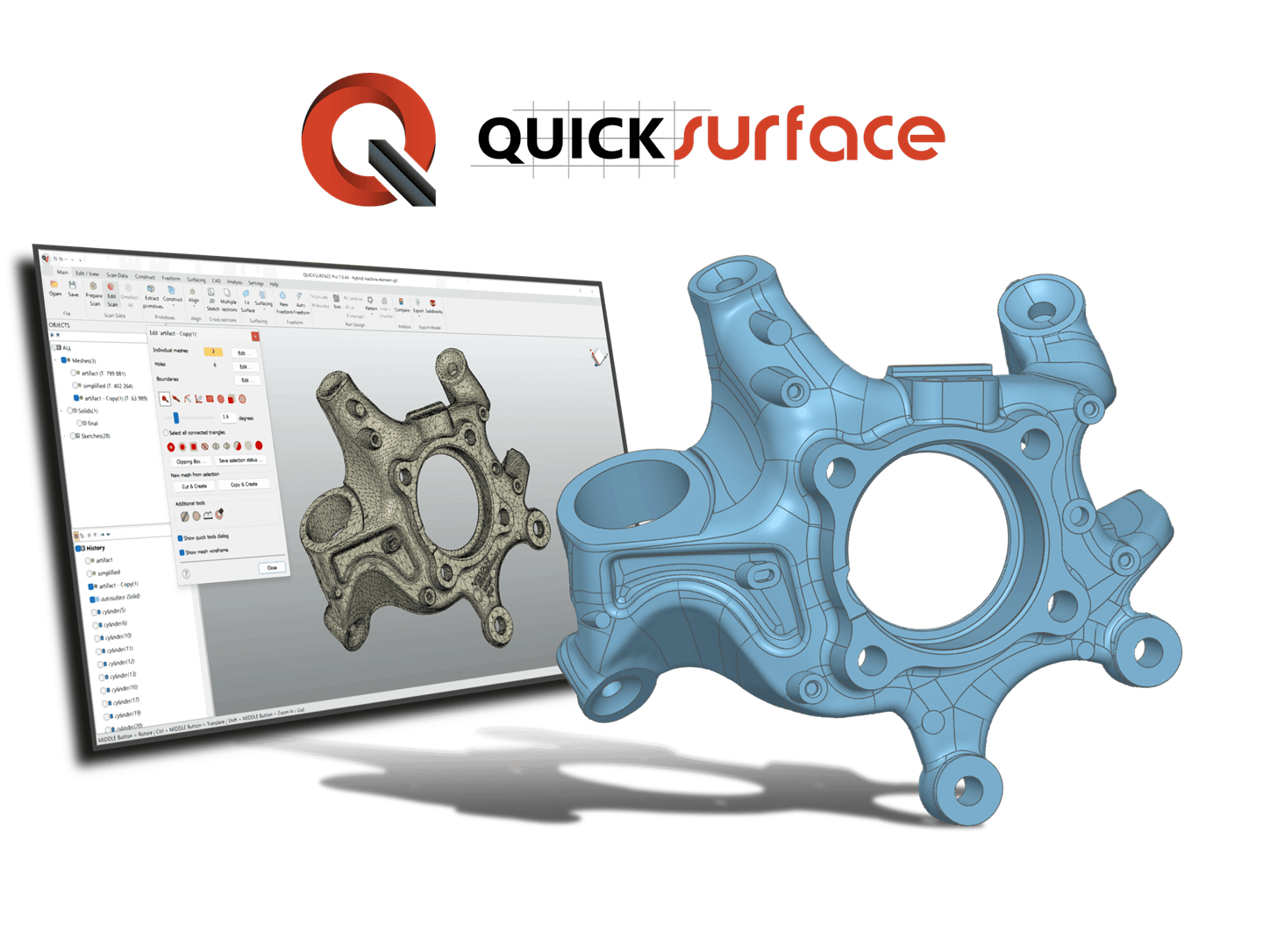
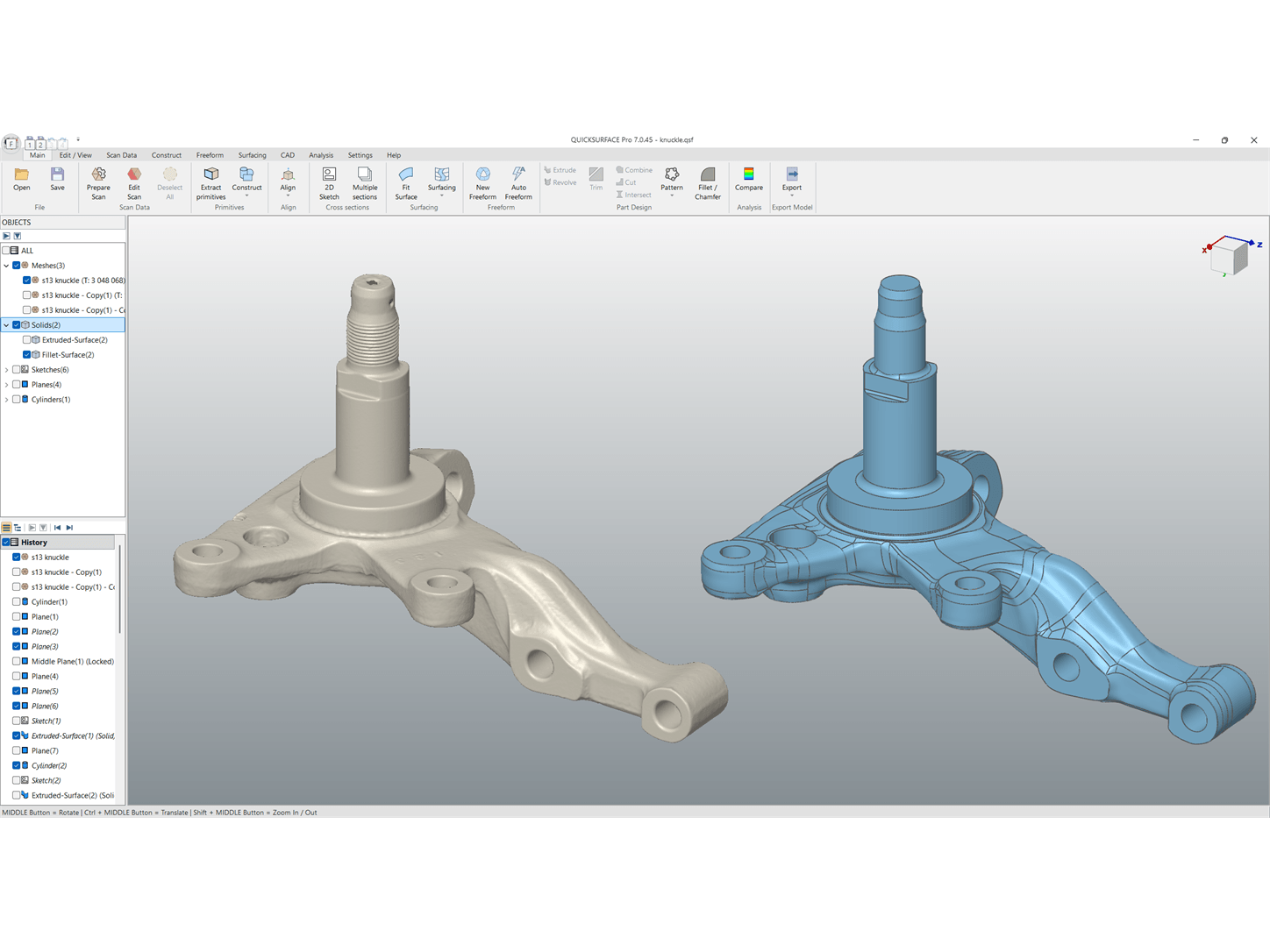
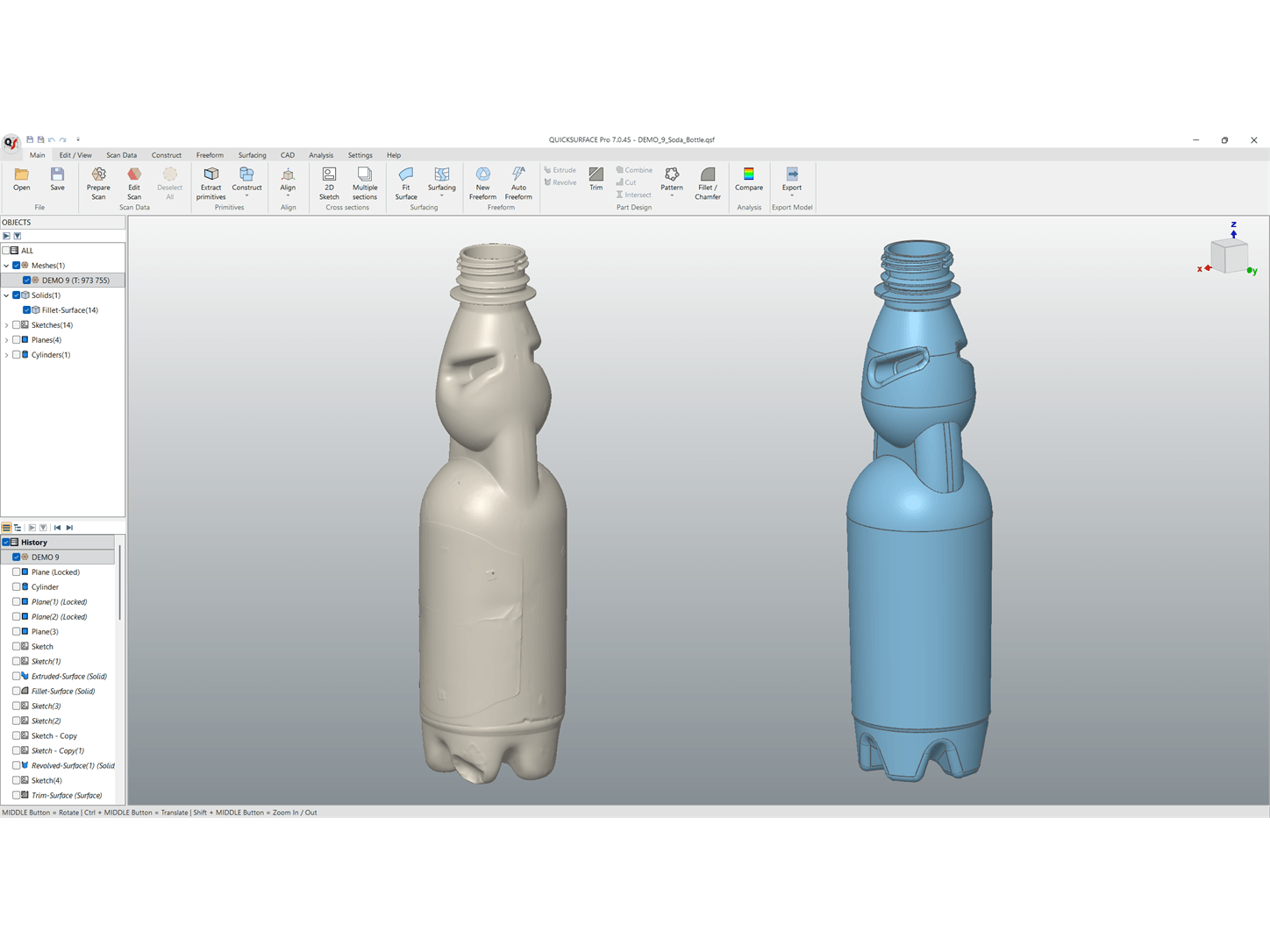
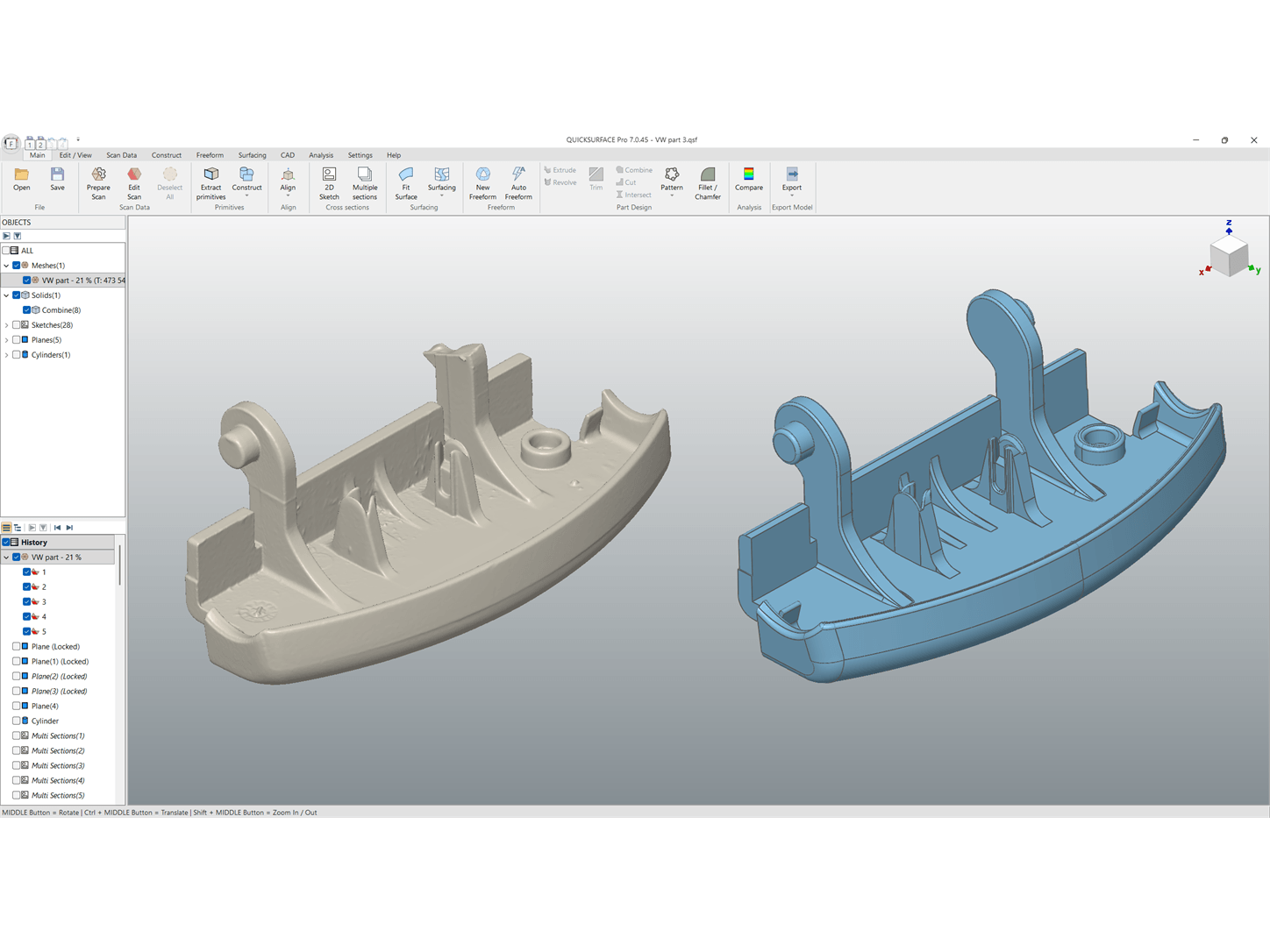
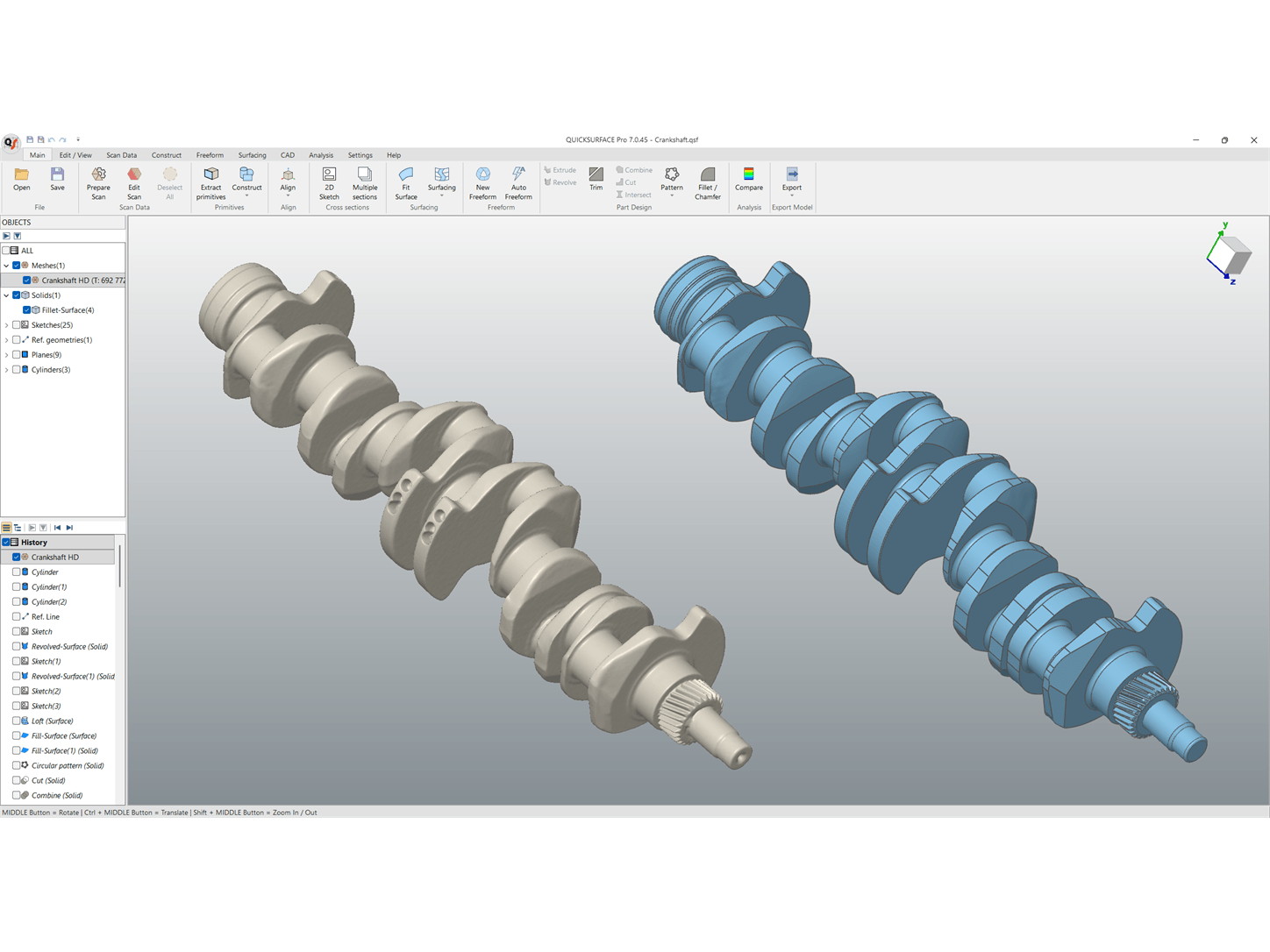
Do you want to reproduce a part for which no CAD file exists? Improve an existing design? Or develop a new component that fits a scanned part perfectly? QUICKSURFACE helps you convert physical parts into CAD models for further engineering and production.
The software has been specifically developed for reverse engineering based on 3D scan data. You use the scan as a reference to reconstruct the geometry, whilst retaining control over shape and dimensions. This allows you to follow the measured shape or deliberately correct it in line with the desired design.
From scan to design
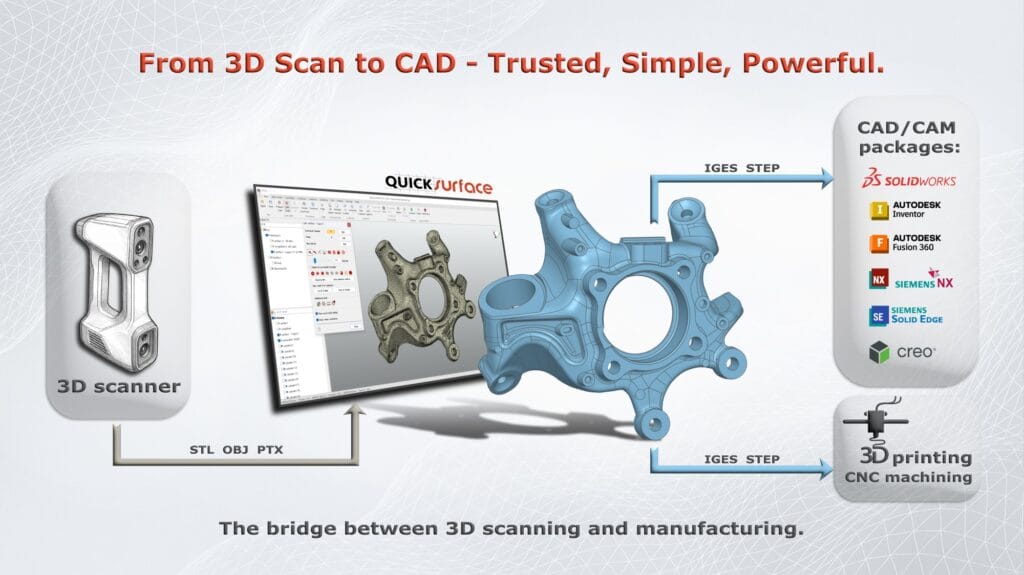
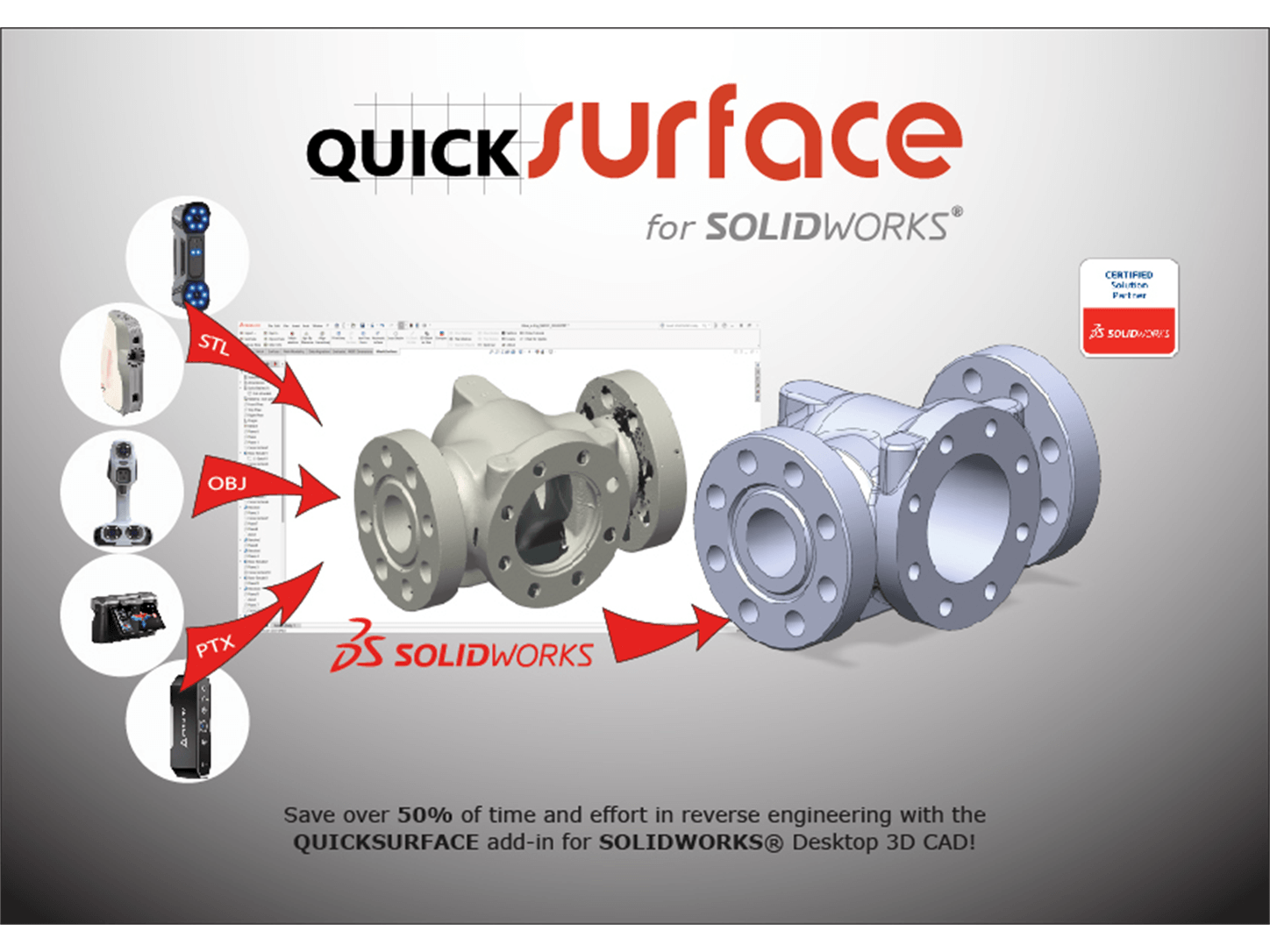
QUICKSURFACE supports mesh files in STL, OBJ and PLY formats and is therefore compatible with the output from a wide range of 3D scanners. You prepare the mesh, align the part and use the scan data as the basis for your reconstruction.
Depending on the version you choose, you can:
- Prepare scan data: simplify, smooth and repair meshes.
- Reconstruct geometry: derive planes, cylinders, cones and spheres from the scan.
- Create sketches: use cross-sections and 2D or 3D sketches as the basis for your CAD model.
- Model free-form shapes: reconstruct curved and organic surfaces.
- Checking deviations: comparing the constructed model with the original scan.
For further processing in other CAD/CAM packages, Lite and Pro export to STEP and IGES. Pro also supports Parasolid. With the SOLIDWORKS add-in, you can build your model directly in SOLIDWORKS.
Three solutions for your workflow
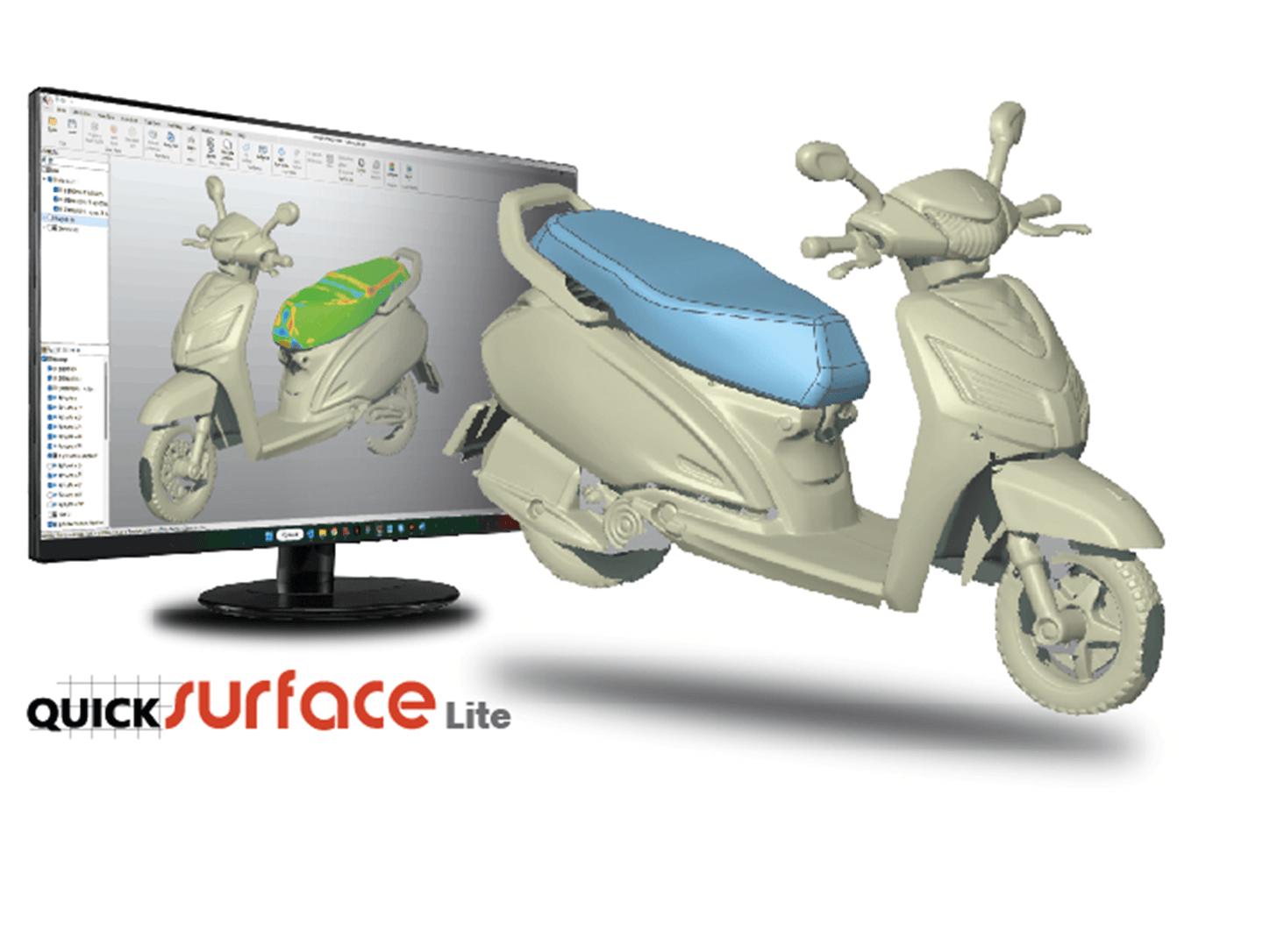
QUICKSURFACE Lite — the foundation for scan-to-CAD
QUICKSURFACE Lite is the accessible, standalone solution for those starting out in reverse engineering or primarily carrying out simpler reconstructions.
You have access to the essential tools for mesh editing, alignment, geometry extraction and 2D and 3D sketching. Using extrusions, revolutions and manual free-form modelling, you can build geometry that you can then process further in your CAD package via STEP or IGES.
Suitable for: Users who wish to prepare scan data and reconstruct basic geometry for further CAD editing.
Licence type: Annual subscription.
QUICKSURFACE Pro — comprehensive reverse engineering
QUICKSURFACE Pro extends the capabilities of Lite for more complex parts and intensive use. The standalone software combines parametric modelling with free-form surfaces within a single workflow.
In addition to advanced mesh editing and alignment, Pro offers features including lofts, sweeps, Boolean operations, fillets and patterns. Automatic surface generation helps to reconstruct complex free-form shapes. With real-time deviation analysis, you can check during modelling how accurately the result matches the scan.
Suitable for: Engineers and designers who wish to reconstruct both mechanical and organic shapes and require extensive control over their CAD model.
Licence type: Subscription or perpetual licence.
QUICKSURFACE for SOLIDWORKS — reverse engineering within SOLIDWORKS
Do you already work with SOLIDWORKS? With this add-in, you can process 3D scan data directly within SOLIDWORKS Desktop 3D CAD.
You can import large meshes, extract reference geometry and create cross-sections and sketches to build your model. Tools for free-form surfaces and automatic surface generation support the reconstruction of more complex shapes. A colour map highlights discrepancies between your CAD model and the scan.
Suitable for: SOLIDWORKS users who wish to integrate reverse engineering into their existing design workflow.
Licence type: Subscription or perpetual licence. A separate SOLIDWORKS Desktop 3D CAD licence is required.
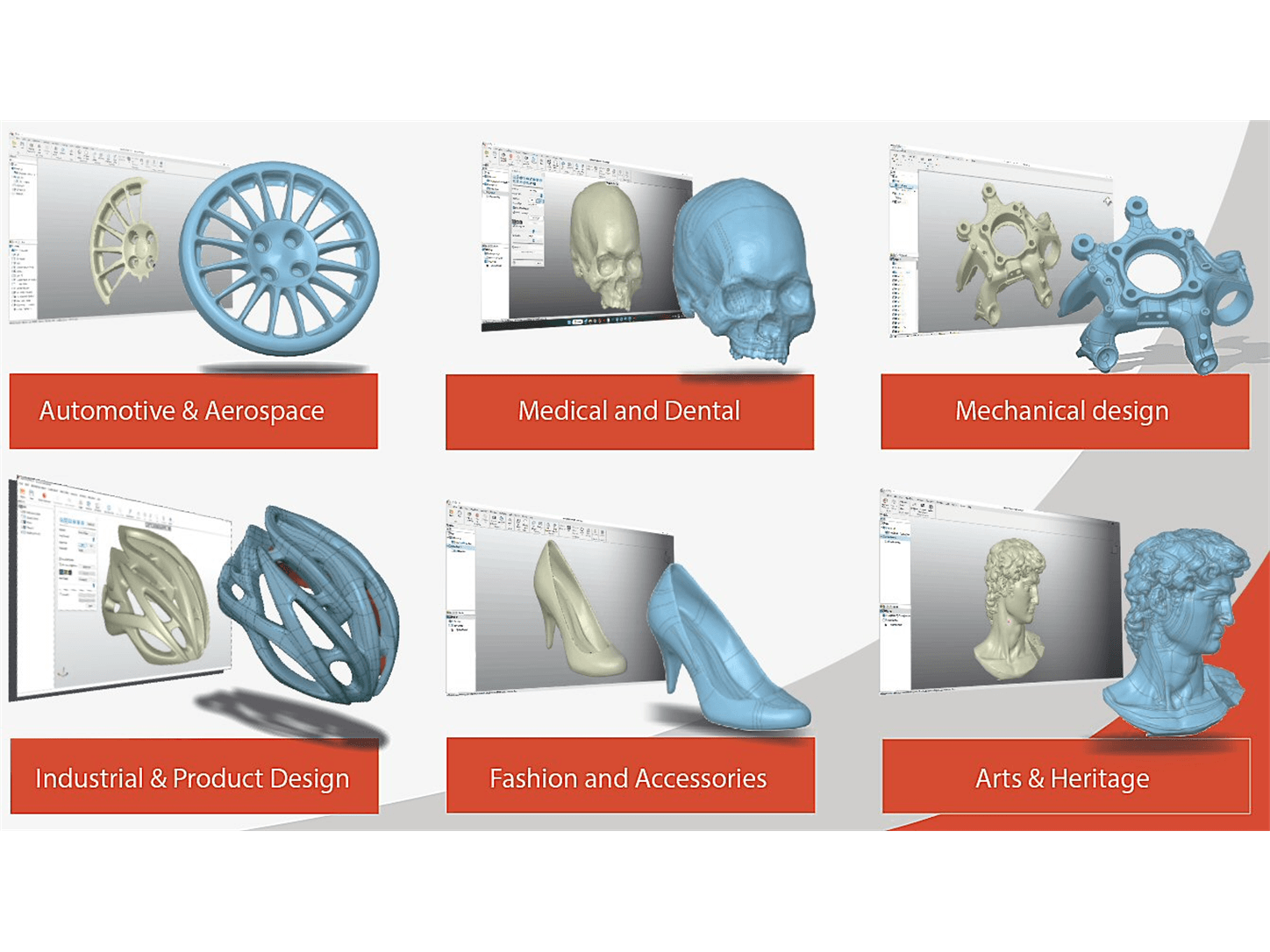
Applications
QUICKSURFACE helps you to:
- Reconstruct parts without the original CAD data.
- Modify or improve existing products.
- Design components that fit with existing parts.
- Digitising tools and moulds for further engineering.
- Preparing CAD geometry for CAD/CAM and manufacturing.
Which version suits your application?
The right choice depends on the complexity of your parts and the CAD software you use. Contact TetraVision to discuss your application and request a quote for the appropriate QUICKSURFACE solution.