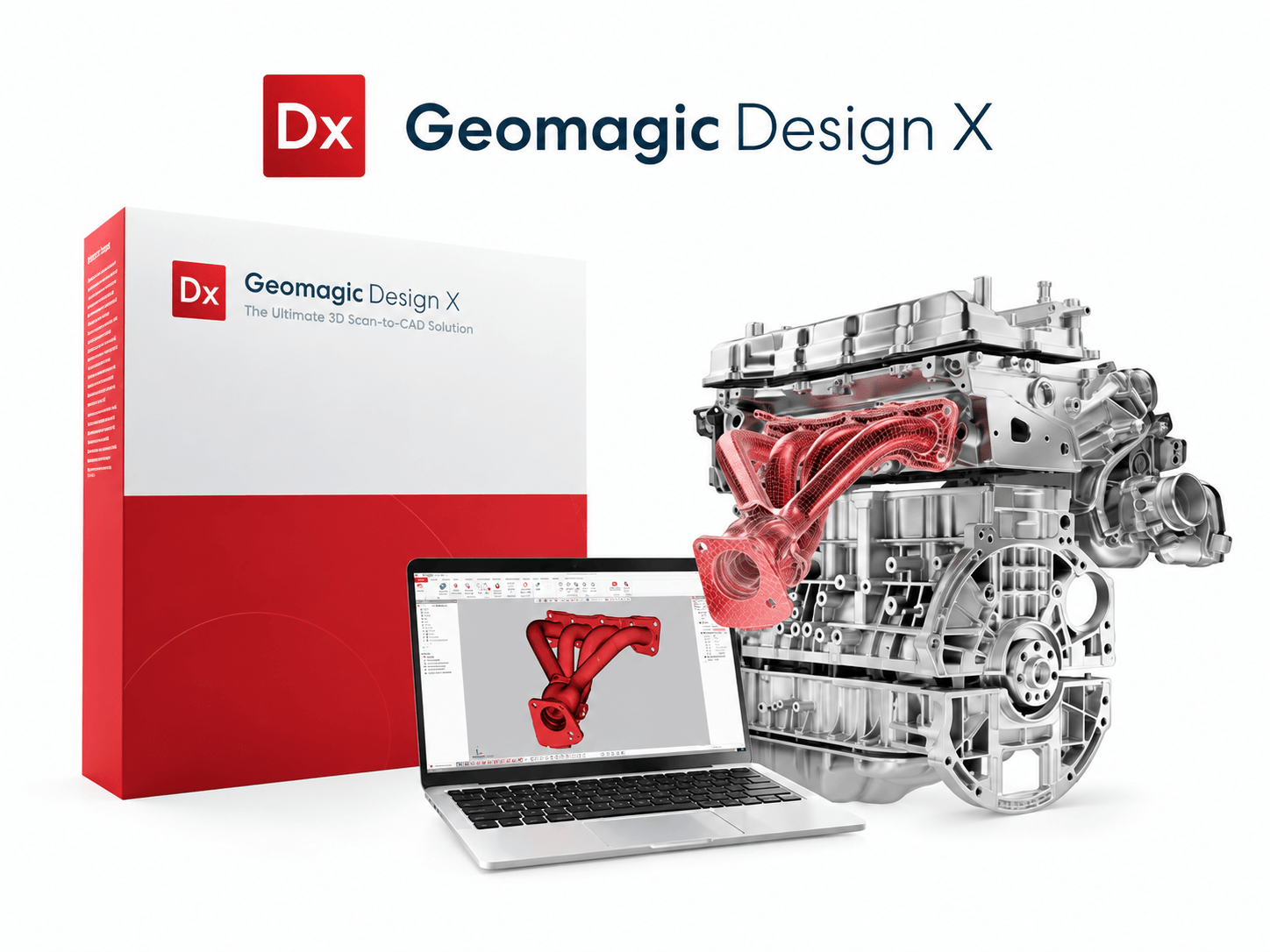
Geomagic Design X: from 3D scan to parametric CAD model
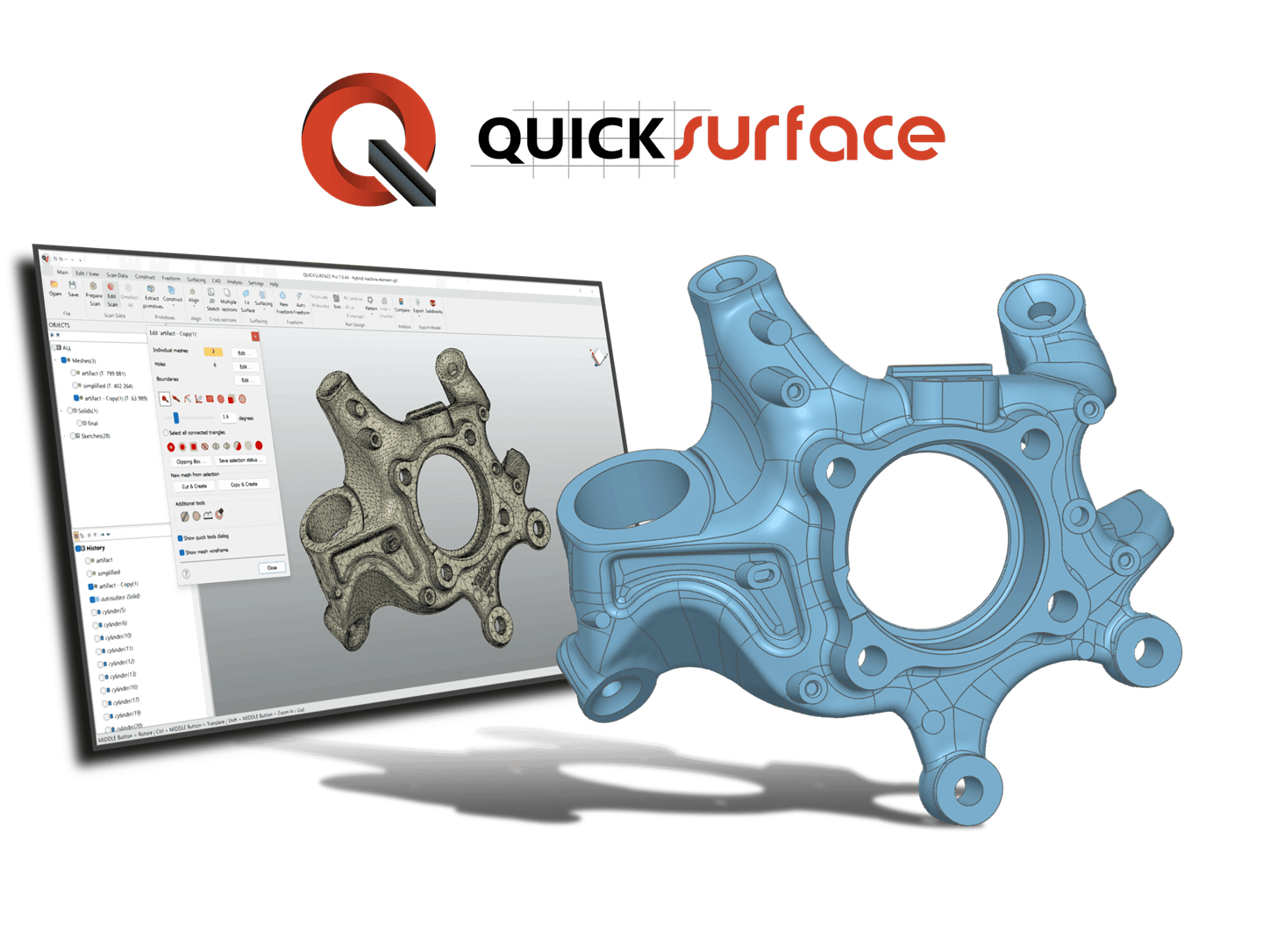
Need to reproduce a part without the original design files? Modify an existing product? Or use scanned geometry as a starting point for a new design? Geomagic Design X combines the processing of 3D scan data with parametric CAD modelling.
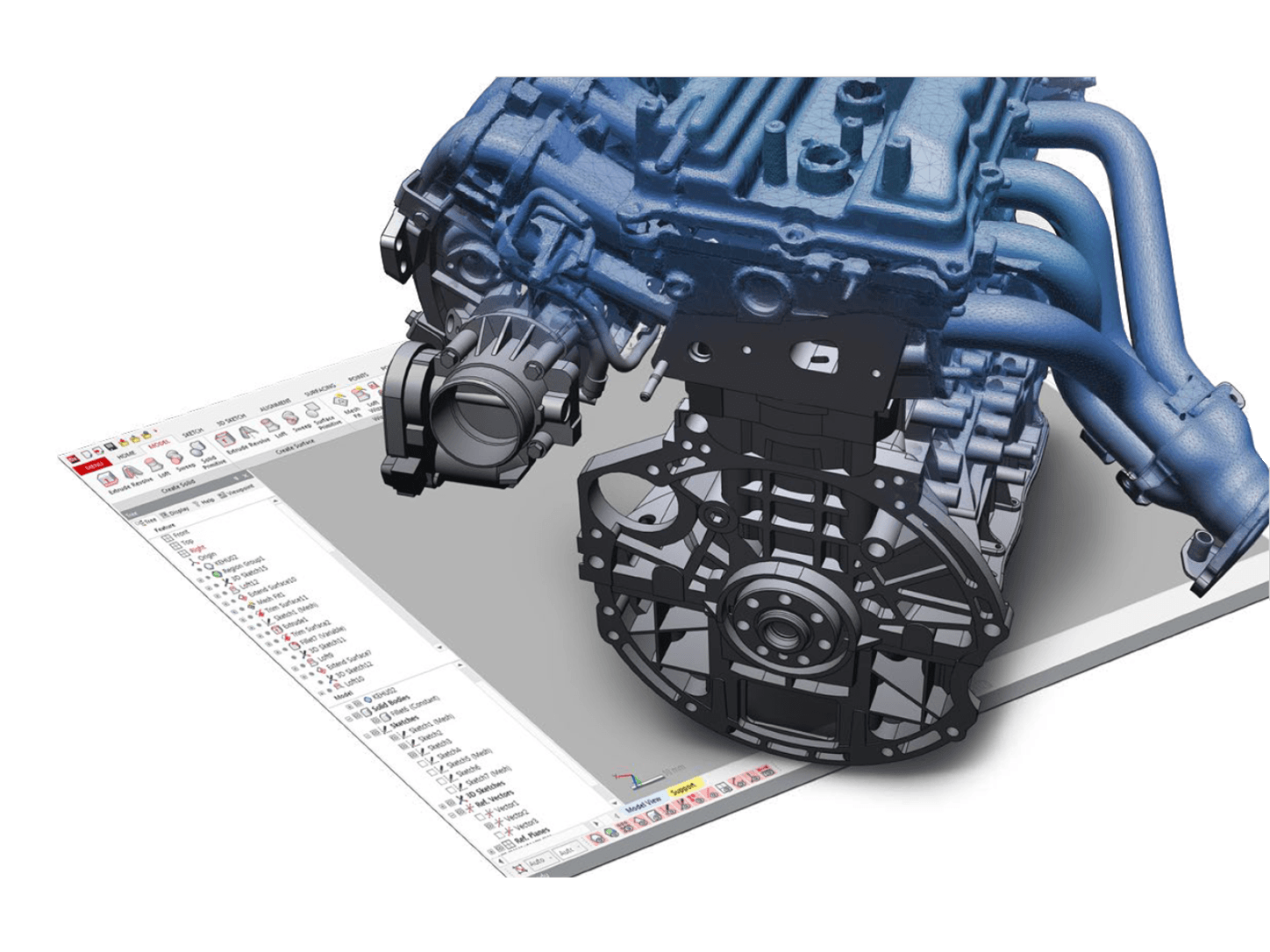
You build a model with editable features and a design history. This allows you to make targeted adjustments to dimensions, shapes and construction details at a later stage. The scan serves as the reference for reconstructing the measured shape or restoring the original design intent.
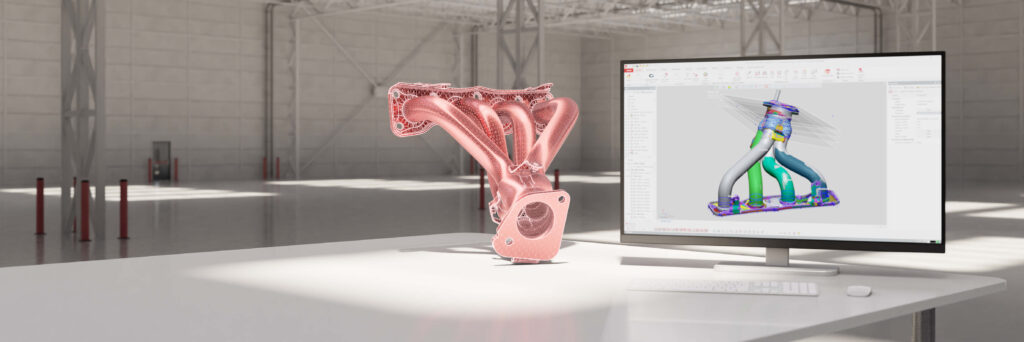
Continue working in your familiar CAD environment
With LiveTransfer, you can transfer the model structure and design history to supported versions of SOLIDWORKS, Siemens NX, Creo, AutoCAD and Autodesk Inventor, amongst others. This allows you to further develop the reconstructed part within your existing design workflow.
LiveTransfer is available in all three versions. In addition, Design X supports common exchange formats, such as STEP and IGES.
Three versions for different applications
Geomagic Design X Go — an accessible introduction to reverse engineering
Design X Go provides the essential tools for converting scan data into CAD. You can edit point clouds and meshes, align scans and build models using basic functions for solid and surface modelling.
Automatic surface generation, deviation analysis and LiveTransfer are also among the features available. This gives you a practical foundation for reconstructing simpler parts.
Suitable for: Users who are new to reverse engineering or who mainly carry out straightforward scan-to-CAD projects.
Geomagic Design X Plus — more capabilities for more complex parts
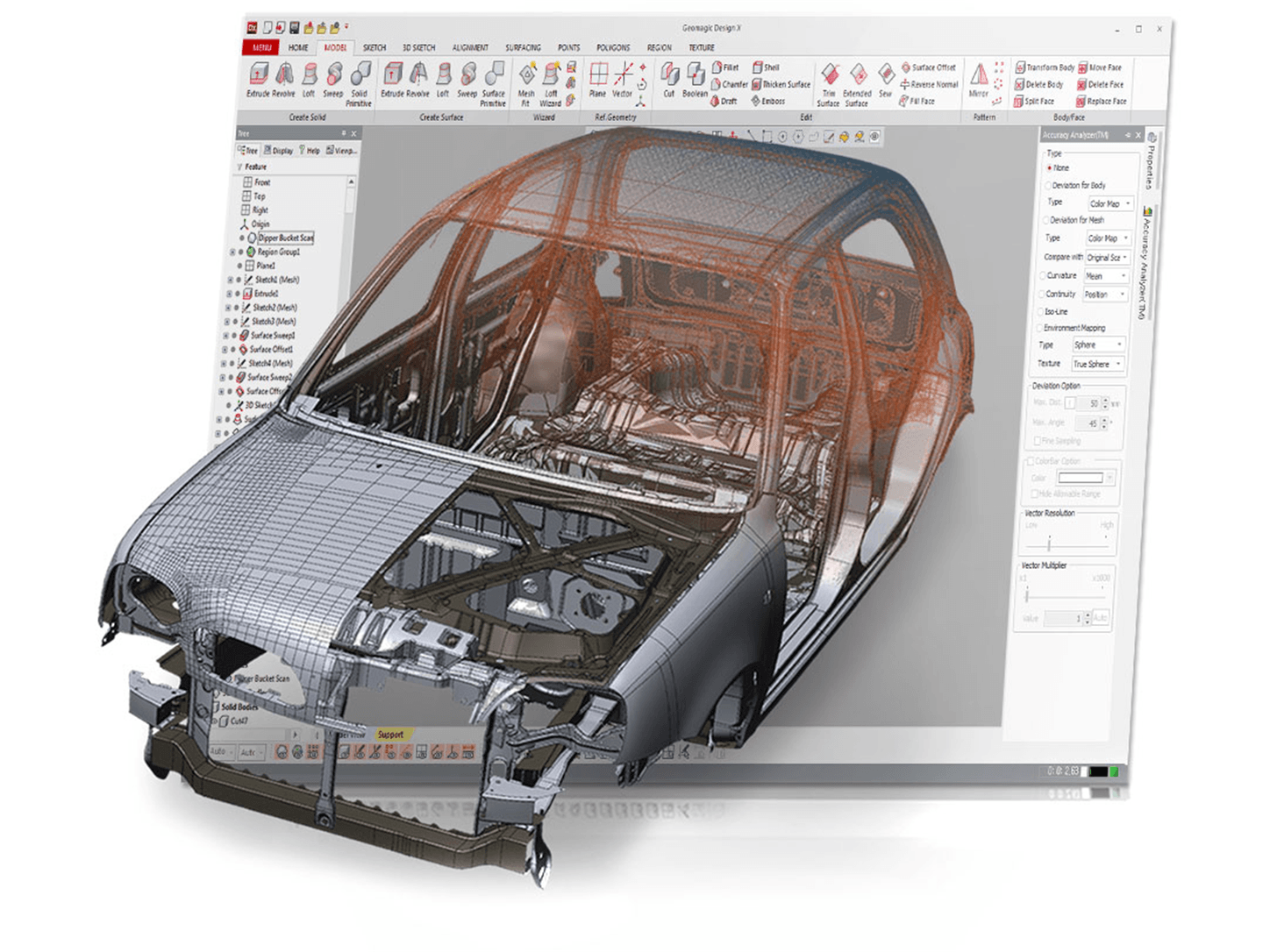
Design X Plus includes all the features of Go and adds more comprehensive tools for solid and surface modelling, 3D mesh sketching and selective surface generation. The enhanced accuracy analysis allows you to check how the CAD model aligns with the scan.
Plus also supports scanner plug-ins and probing. With supported equipment, you can therefore scan and probe points directly within Design X.
Suitable for: Engineers who regularly reconstruct more complex parts and wish to integrate their scanner more closely into the design workflow.
Geomagic Design X Pro — comprehensive modelling and automation
Design X Pro includes all the features of Go and Plus, supplemented by advanced tools for complex mechanical, organic and hybrid shapes.
Modelling wizards, automatic sketching functions and advanced processing of meshes and point clouds help to speed up labour-intensive steps. Pro also offers comprehensive alignment functions, Exact Surfacing and tools for correcting CAD geometry.
For recurring tasks, you can automate scanning and batch processes. This makes Pro particularly useful when you are processing large numbers of similar parts.
Suitable for: Specialists who carry out intensive reverse engineering and require maximum control and automation.
Applications
Geomagic Design X helps you to:
- Reconstruct parts for which CAD data is missing.
- Modify and improve existing products.
- Develop new components based on scanned geometry.
- Digitise tools and moulds for further engineering.
- Prepare machinable models for simulation and production.
Advice, licence options and pricing
Geomagic Design X Go, Plus and Pro are available with subscription and perpetual licence options. The right choice depends on your applications, the features you require and how you intend to use the software.
TetraVision can help you choose the right version and licence option. Please contact us for pricing information or request a quote for your specific application.
Powerful functionality to convert your scan to CAD more quickly
- Device integration
Capture data directly in Geomagic Design X, or work with scan data from any scanner. - Mesh and point cloud data processing
Simple, professional processing and refinement of large datasets containing mesh and point cloud data. - Surface editing
Automatic and selective tools for creating accurate surfaces on your mesh. - Direct CAD integration
Transfer the design history directly to your favourite CAD programme via LiveTransfer for seamless integration into your workflow. - Real-time analysis
Use Accuracy Analyser, our patented real-time tool, to compare your 3D model with the scan data. - Modelling wizards
Automated and guided tools for extracting geometric features directly from the mesh.
Versions
There are several versions of the software available, including:
- Geomagic Design X
- Geomagic Design X Plus
- Geomagic Design X Go
- Geomagic Control X
- Geomagic Control X Essentials
- Geomagic Wrap
- Geomagic for SOLIDWORKS